

Enterprise IT services / colocation implementation
Server colocation
Run owned servers in a power, cooling and network environment suited to continuous operation, reducing the burden of a private equipment room. Yuqi coordinates conditions, access and follow-up support.
The purpose of colocation
Why colocate servers
Servers need to run continuously, but every organization should not build and maintain a private room. Colocation keeps owned equipment while using data-center space, power, cooling and network access.
- 01
Improve the operating environment
Move equipment from an office or temporary room into an environment with dedicated power, cooling and network access.
- 02
Reduce private-room construction and maintenance
Use existing data-center infrastructure and plan around rack space, bandwidth and maintenance needs.
- 03
Keep equipment and systems choices
Keep existing hardware and business systems while planning remote management and site support for future changes.
Suitable for organizations with existing servers, limited site conditions, or a relocation or expansion that needs a new operating environment.
Colocation addresses the equipment environment and site access; system maintenance, backup and recovery need separate planning.
From requirements to handover
What Yuqi can complete
Colocation does not end when equipment reaches the room. Implementation connects equipment, site conditions, network access, the business window and follow-up maintenance into an executable plan.
Inventory, power and port check
Review equipment, installation position, power draw, network ports and remote-management needs so entry conditions are checkable.
Coordinate rack, power and link conditions
Confirm rack space, power paths, network access and site windows with the data-center operator.
Rack, cable and label
Rack, cable and label equipment against the confirmed positions, cables and ports for later diagnosis and changes.
Network and remote-management configuration
Coordinate network access, access control and remote management, recording connections and management details for handover.
Migration, integration and verified handover
Use the business window to coordinate migration and integration, then verify connectivity, operating state and handover material within scope.
Inspection, changes and incident coordination
Coordinate inspection, equipment changes and incidents as needed, keeping site facts and handling records aligned.
Operating topology
Business inside, the data center as the operating boundary
Business enters the data-center boundary over a private link or the Internet; rack space, dual power and parallel safeguards support the equipment, while remote operations use an authorized management link for two-way monitoring and control.
This is a nested topology, not a linear process: business connects to the data center over a private link or Internet; rack servers sit inside the boundary with independent A/B power, while network, security and environment monitoring form parallel safeguards; remote operations monitor and control through an authorized link.
Illustrative relationship: the actual equipment, facility, network and remote-management configuration follows site conditions, authorization and the service agreement.
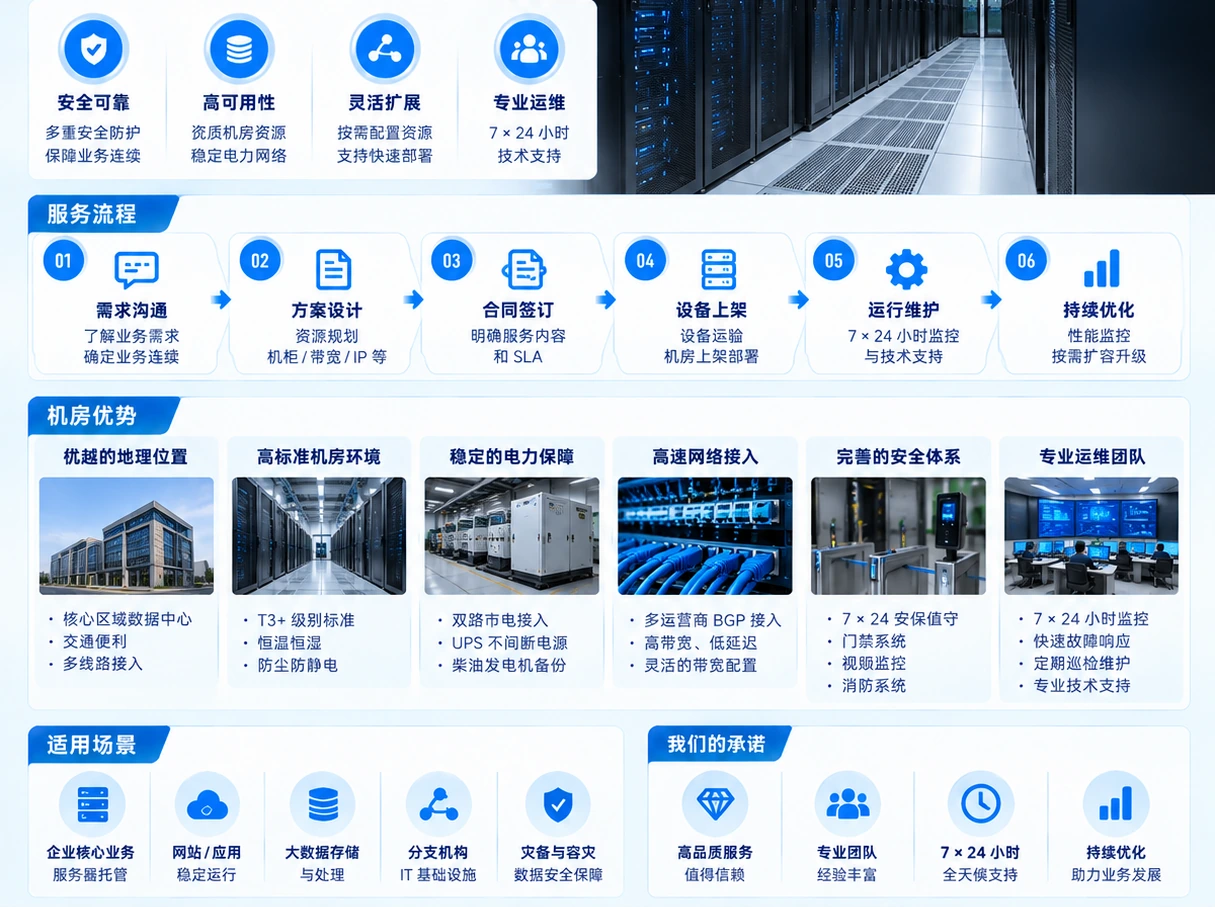
Rack, power, bandwidth and site support follow the selected facility and the agreed scope.
Implementation cadence
Progress through preparation, implementation, verification and support
- 01
Preparation
Confirm equipment, power, ports, remote management and site-entry conditions.
- 02
implementation
Coordinate rack, power and access conditions, then complete racking, cabling, labels and required configuration.
- 03
verification
Complete integration in the migration or business window and verify connectivity, state and handover items.
- 04
Support
Use equipment, port, label and handling records to coordinate later inspection, changes and incidents.
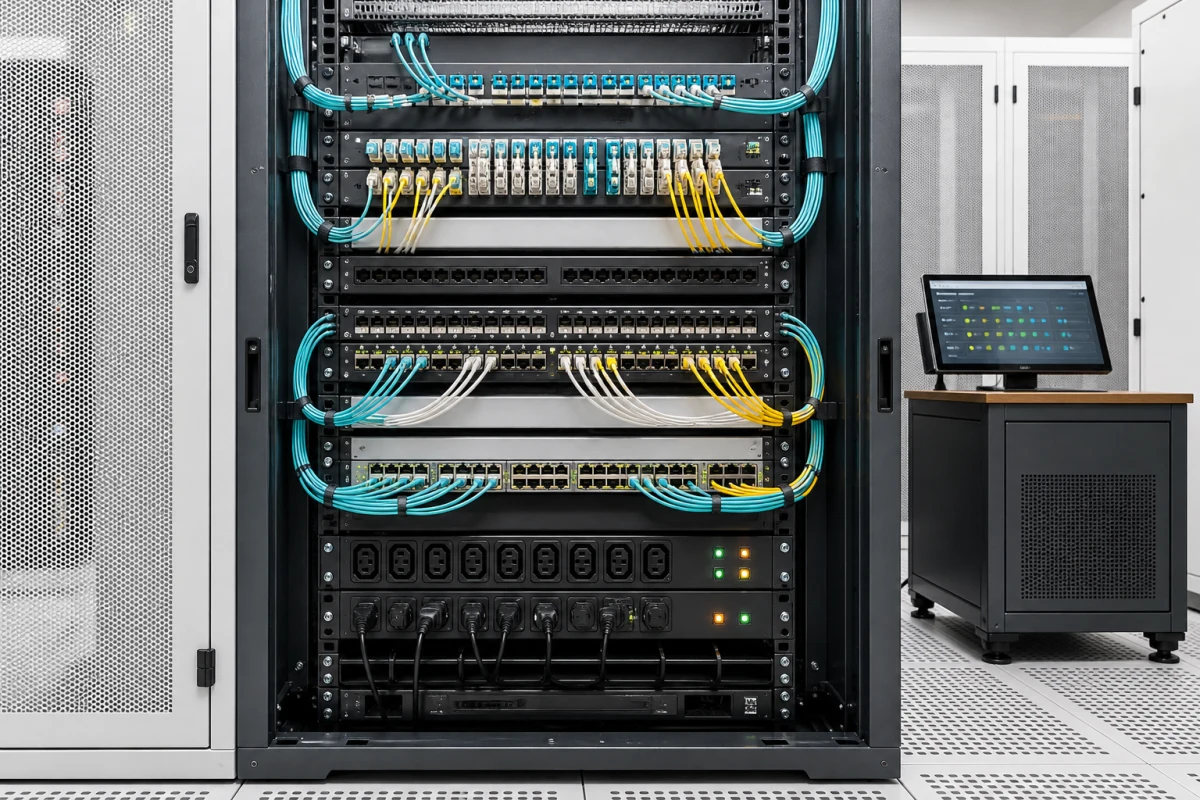
Handover records and quotation inputs
Clarify implementation conditions before arranging colocation
Useful starting inputs include equipment quantity and specification, power draw and feed, rack U, network ports and bandwidth, remote management, migration window and existing site conditions.
Records to check at handover
- Equipment and installation-position list
- Port, power and label record
- Network and remote-management configuration
- Migration, integration and verification record