
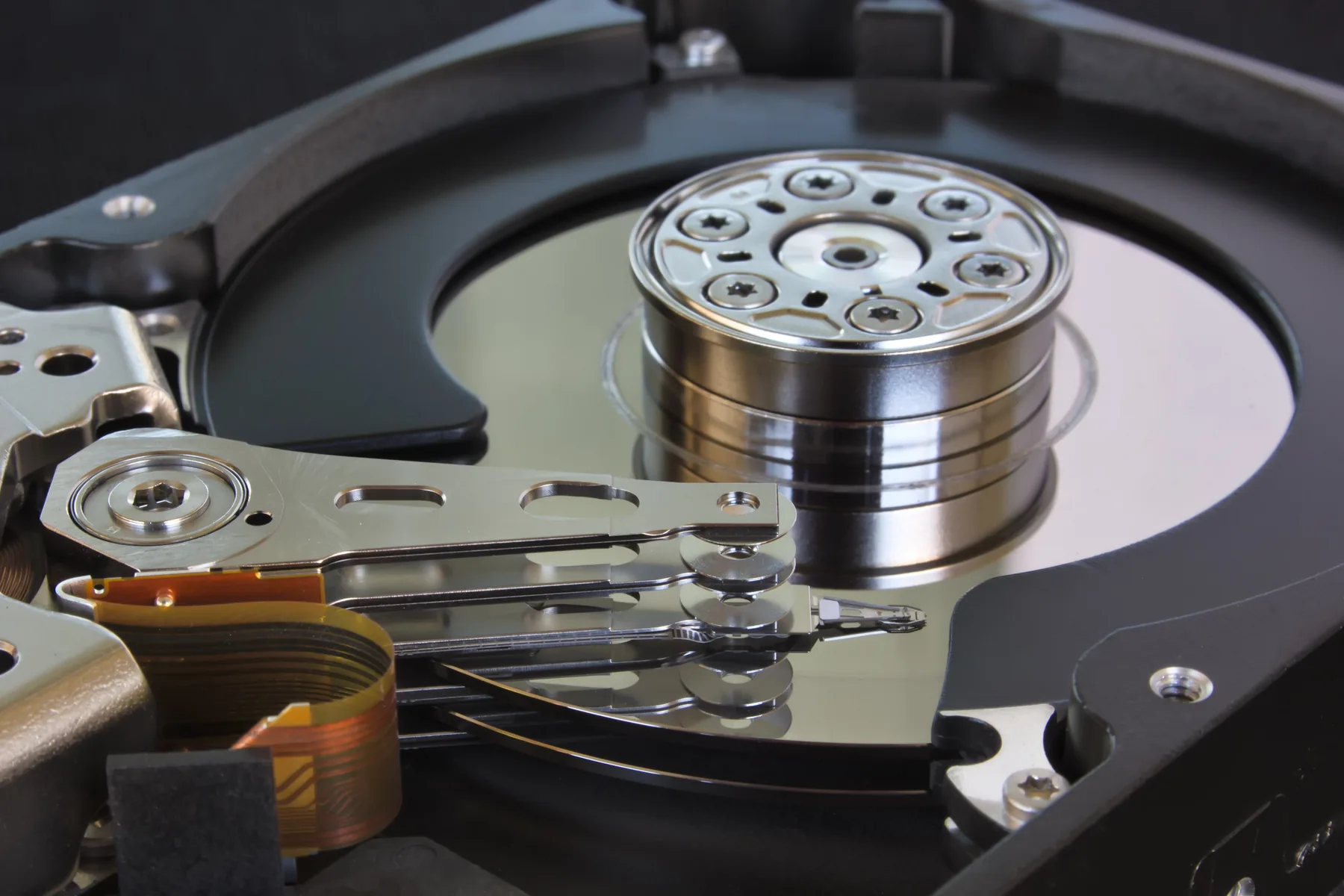
Enterprise IT infrastructure / servers and storage
Servers and storage
The right servers and storage leave room for workload hosting, migration and growth. Yuqi Intelligent provides selection, quotations and supply, capacity and interface planning, rack installation, virtualization hosting, migration, testing, handover and ongoing expansion support.
01 Start with the hosting relationship
Compute, storage and backup have different jobs
Workloads determine what compute must host; storage determines how data is read, written and expanded; backup answers how to recover after deletion, corruption or a switch. Clarifying these roles gives selection and delivery a common basis.
Shared-storage replicas, dual paths or redundant components can reduce a single point of impact, but independent backup, an independent path and recovery testing are still required.
02 Resource relationship diagram
How physical resources are scheduled to workloads
Physical servers provide a virtualization abstraction layer, which is divided into CPU, memory and storage pools and scheduled to multiple VMs by workload. The diagram explains the resource hierarchy; actual capacity and scope are confirmed on site.
Scheduling starts at the physical servers, rises through the virtualization abstraction layer, separates into CPU, memory and storage pools, and is allocated to VMs and workloads as needed. This is a bottom-up hierarchy, not a linear process.
- 01 / hostingPhysical serversCompute, memory and local-device resources
- 02 / abstractionVirtualization abstraction layerIsolation, orchestration and schedulable hosting boundary
- 03 / resource poolsCPU poolAllocate compute share by workload
- 03 / resource poolsMemory poolReserve headroom by runtime state
- 03 / resource poolsStorage poolSupply by capacity, performance and path
- 04 / workload AVM-ACore application
- 04 / workload BVM-BDatabase and services
- 04 / workload CVM-CFiles and analytics
Resources scheduled on demand The virtualization layer turns physical hosting into manageable resource pools, then allocates and reclaims capacity for different VMs by workload.Allocation relationships illustrate the hosting boundary; actual capacity, migration and recovery conditions are checked on site.
03 What Yuqi Intelligent can deliver
Server and storage services from Yuqi Intelligent
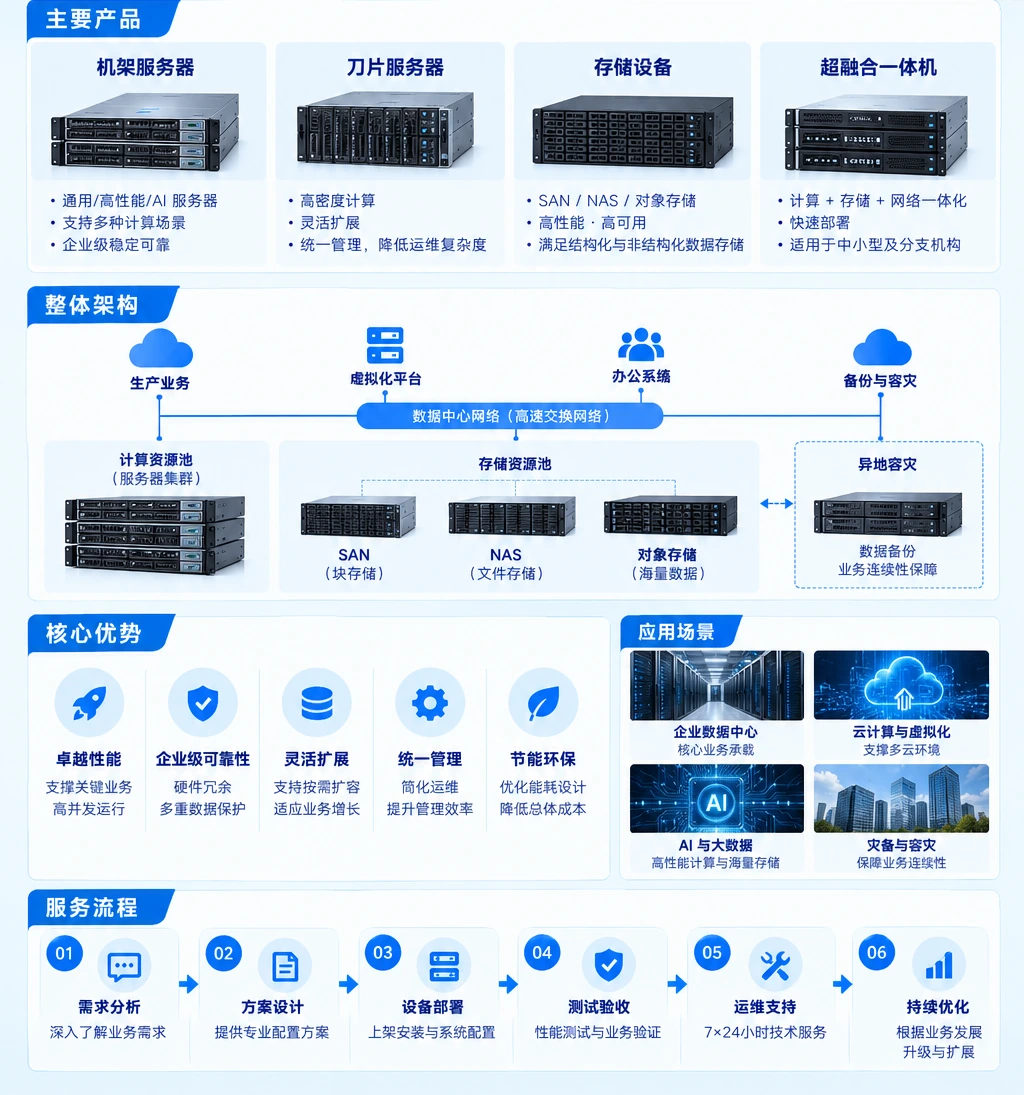
From selection and quotation to equipment delivery, the work answers whether it is compatible, how it will host workloads, how it will migrate, how it will be verified and how it will grow, keeping purchasing and operations in one chain.
Server and storage selection, quotation and supply
Define an equipment range around workloads, compatibility, capacity, interfaces, installation space and budget, then support quotation and supply.
Capacity and interface planning
Check compute, storage, network, HBA / NIC, power and rack conditions so current use and future growth have clear headroom.
Rack installation, configuration and virtualization hosting
Install equipment, complete baseline configuration and prepare resource pools or virtualization hosting within scope, recording equipment relationships and changes.
Migration between old and new environments
Review old equipment, dependencies, sequence, window, rollback and validation conditions to reduce ad-hoc decisions during the switch.
Testing, delivery and documentation
Test hardware, capacity, interfaces, links, representative business access and recovery paths as agreed, then organize results and handover material.
Expansion and ongoing maintenance
Plan expansion, replacement, configuration maintenance and support around capacity changes, component lifecycle, interface headroom and runtime status.
Selection checks
Check six things before selecting equipment
Put business and site conditions on one checklist to judge compatibility, migration and growth boundaries.
- 01Workload
User scale, application types, data growth and peak periods.
- 02Hosting model
Physical, virtualized, database, file-service or mixed hosting relationships.
- 03Capacity and performance
Current capacity, growth rate, I/O profile, throughput and latency requirements.
- 04Interfaces and paths
Network and storage interfaces, HBA / NICs, dual paths and switching boundaries.
- 05Migration and window
Legacy dependencies, switch sequence, downtime window, rollback and acceptance conditions.
- 06Backup and recovery
Independent backup location, retention, recovery objects, recovery paths and test schedule.
Client outcomes
Fewer wrong turns
Review workload, compatibility, capacity and implementation conditions together before purchase, reducing the risk of an unsuitable or hard-to-migrate platform.
Compatibility match
Check equipment, interfaces, paths, virtualization hosting and the current environment item by item so the selection basis can be reviewed.
Room to grow
Keep explainable expansion conditions beyond current demand so growth can be handled without starting over.
04 testing and delivery
Equipment deployed, documentation complete
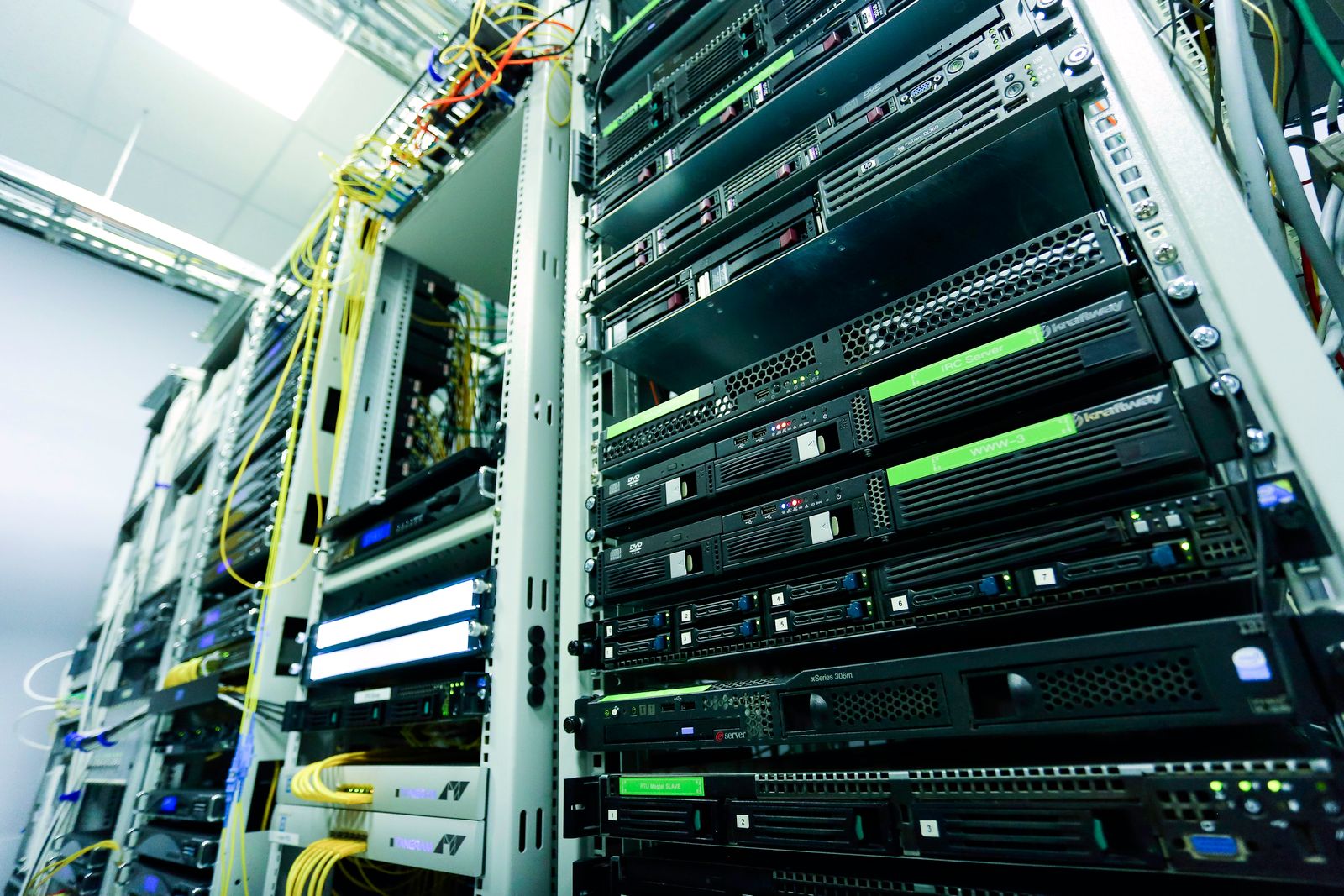
After rack installation, configuration, interfaces, capacity, workload hosting and recovery paths still need confirmation. Equipment becomes maintainable when test results, changes and next steps are handed to the operations team.
Delivery checklist
- Equipment selection, compatibility decisions, quotation and supply scope
- Server, storage, interface, capacity, rack and power conditions
- Rack, baseline configuration, virtualization hosting and network / storage path records
- Migration plan, maintenance window, rollback conditions and change record
- Hardware, capacity, interface, business-access and recovery-path test results
- Handover documentation, expansion recommendations, maintenance boundaries and support notes
FAQ
Align equipment and business facts first
Preparing current equipment, workloads, capacity changes, interface paths, migration windows and backup status helps define the scope for selection, delivery or expansion sooner.
01 Why cannot servers and storage be judged by specifications alone?+
Specifications must be judged against workloads, interfaces, paths, virtualization hosting, rack power and the migration window. A suitable individual specification does not mean the whole environment will be compatible, go live or scale.
02 If shared storage is redundant, is backup unnecessary?+
No. Redundancy mainly reduces the impact of a component or path failure; it cannot replace independent backup. Backup also needs independent media, paths, retention and recovery validation.
03 What should be prepared before migrating old equipment?+
First organize equipment and business relationships, data scale, interfaces and paths, dependent services, maintenance window, rollback conditions and acceptance method, then set the migration order and test scope.
04 What documentation remains after selection and delivery?+
It normally includes selection and compatibility decisions, equipment lists, capacity and interface planning, configuration and path records, migration and change records, test results, handover documentation and expansion recommendations. The actual list follows the project scope.
Next step Start with the current environment
Tell us about workloads and current equipment
Share current servers and storage, workload types, capacity growth, interface paths, migration window and backup status. We will confirm selection, supply, hosting, migration and expansion within scope.